What Are Zombie Pages In SEO?
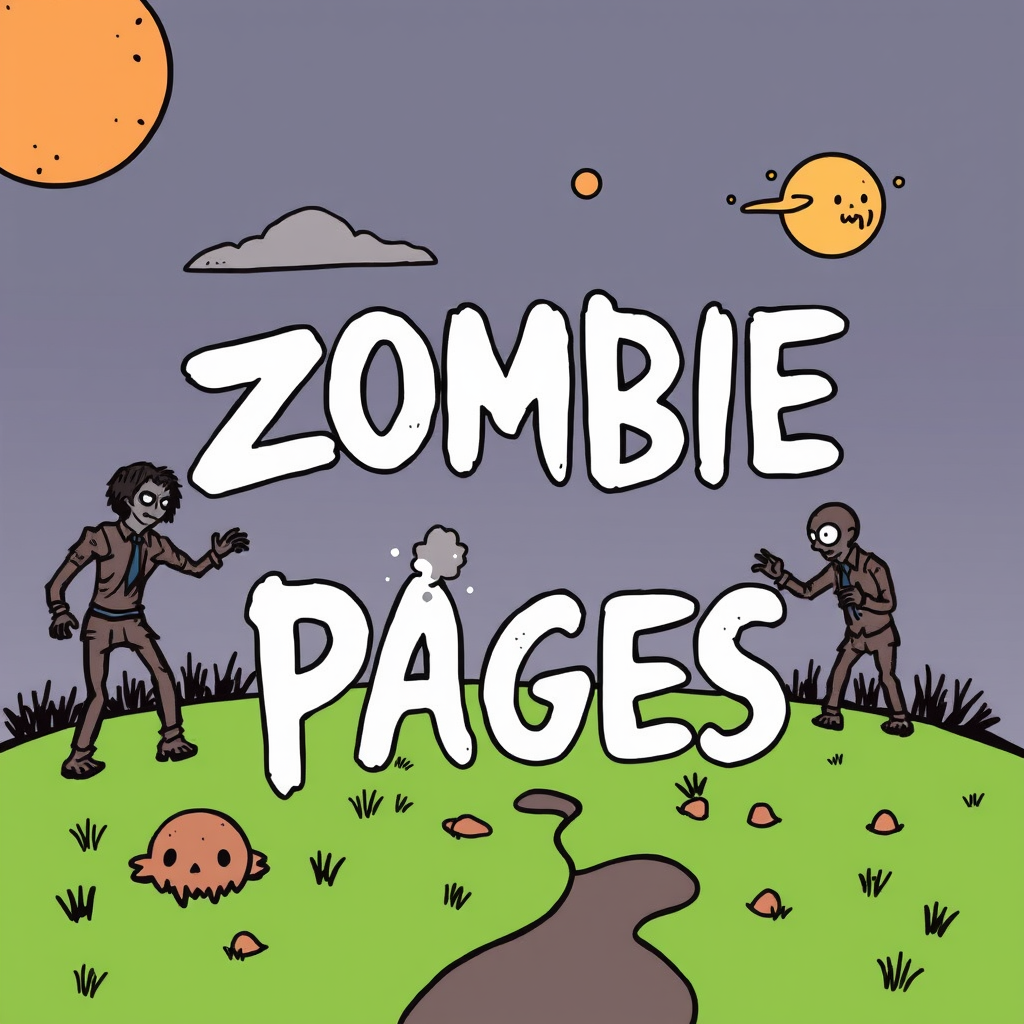
Zombie Pages are just as scary as zombies in movies, but for SEO!
What do zombies remind you of? Walking dead creatures, zombie pages of a website are exactly that. Pages that are neither dead nor alive. They neither bring you many users nor are they inaccessible. These pages on a website that generate little traffic and are difficult or impossible to reach through search engine results are called zombie pages.
In this article, we will give you some advice on how to recognize these pages and how to fix them so that they do not affect the SEO of your entire website:
- Why should we deal with zombie pages?
- What are the different types of zombie pages?
- How can you find these pages?
Identifying and processing zombie pages allows you to:
Improve the user experience of your website visitors. In fact, removing or correcting a website’s zombie pages will provide you with a better user experience and optimize your website’s bounce rate and conversion rate.
Search engines examine a website as a whole and give it a score. Eliminating the negative effects of zombie pages increases the website’s overall score and improves its position on the Google results page.
Removing or blocking the index of zombie pages allows the crawl time allocated to a website to be spent on its most important pages. Therefore, this allows your crawl budget to be used optimally.
What are the different types of Zombie Pages?
There are 6 types of pages on your website that can act as zombies. These pages are:
Non-indexed pages
These pages usually have technical problems such as excessive and long loading times or scripts that are not executed. Google divides the time its crawlers spend on a website according to the number of pages on it and decides not to index pages that are slow. These pages are usually abandoned by users due to slow loading and slow speed. In previous articles, we have mentioned the important point that website speed is an important issue and that users are not willing to spend a lot of time loading your website.
These pages are not listed in Google’s results, they are not visited or users cannot reach these pages directly from search engines and visit them.
Non-Responsive pages
Non-responsive pages are pages that are not properly optimized or take too long to navigate on mobile phones. Google does not like these pages and will penalize them because it thinks they have a poor user experience. (Which it is right!)
These pages are present in Google’s results but usually rank low.
Pages with outdated, old or poor-quality content
We are talking about two types of pages here:
- Published pages on your website that have not been updated for several years. Google may lower their ranking, considering that such pages do not have new and useful content.
- Pages with little content (less than 300 words) and pages with unattractive and poor-quality content are also penalized by Google. The position of these pages in the Google results page will gradually decrease.
Pages that are not optimized for search engines (or not enough)
These pages can be very useful and interesting for Internet users, but they do not use SEO criteria (such as h1, h2, h3, … or alt tags for images, good and catchy titles, appropriate meta descriptions, keywords, etc.).
These pages will also not have a good position in search engine results.
Attachment pages
These pages are often ones which users can access at the bottom of the page: contact page, legal notices or rules, etc. are examples of these pages. Even if users rarely visit them, these pages contain legal information and their presence on the website is one of the SEO requirements. The absence of these pages negatively affects the referral of a website.
Orphan pages
These pages are not easily found by crawlers, are not linked to other pages on the website by any internal links, and are not accessible through the website menu. They are pages that are somehow floating in a parallel universe and have almost no chance of being seen by users.
There are several ways to identify orphan pages on a website. One of the simplest ways (unless your website has thousands of pages) is to compare your XML sitemap with your Google index. (You can get this index by searching “website:mywebwebsite.com” on Google.)
Just compare the two lists to identify the pages in your sitemap that are not in Google’s index. Then, you just need to connect the orphaned pages you find with internal linking to other pages on your website.
How to find Zombie Pages?
If you want to find zombie pages on your website yourself without going to a specialist, we recommend using Google Search Console. On this website, you will find a tool that allows you to identify pages with low or poor performance.
The performance (+ new + page) tab is very easy to use (especially if your website has a limited number of pages). This section allows you to examine the traffic trends of each of your pages over a certain period of time and identify pages whose traffic is decreasing sharply.
The excluded (coverage +excluded+) tab allows you to analyze two types of zombie pages:
Explored, currently unindexed pages
These are pages which Google decided not to index in its last search because their content is very poor, duplicates or contains information that is already available on many other websites. Therefore, in such cases, it is recommended to first complete or rewrite the content of these pages and wait for Google robots to come and explore them again.
Detected, currently not indexed pages
These are pages which Google decided not to index due to technical problems (for example, when the server response time is too long).
How to deal with zombie pages?
Some pages just need to be updated or optimized, while others need to be removed or redirected.
Which Zombie Pages should we improve?
Since zombie pages are often pages that take too long to load, have poor internal linking, or lack relevant content, you need to optimize them for Google and your users.
- Keep the content of these pages up-to-date and engaging
- Make sure that these pages have the right keywords and that the semantic form of the text is relevant to the topic
- Improve UX and loading time, or website loading time
- Add links to other relevant pages on the website
- Add internal links from other pages on your website
- Share these pages on your social networks
- Do not change the URL of these pages
Which Zombie Pages should we remove?
Do not start this critical operation before reviewing the zombie pages that are to be removed.
If there are some zombie pages on your website that have old content and no changes have been made to them, it is possible to remove them. On the other hand, pages that have very few visitors but very good conversion rates should be kept.
Note that some zombie pages are essential to your website and should not be removed: legal notices, general terms and conditions of sale, RGPD, etc. Although they generate few or no visits, you should still keep these pages on your website.
After removing zombie pages, do not forget to redirect (301). These pages should be redirected to the main pages with the appropriate category or other pages that deal with a similar topic.